
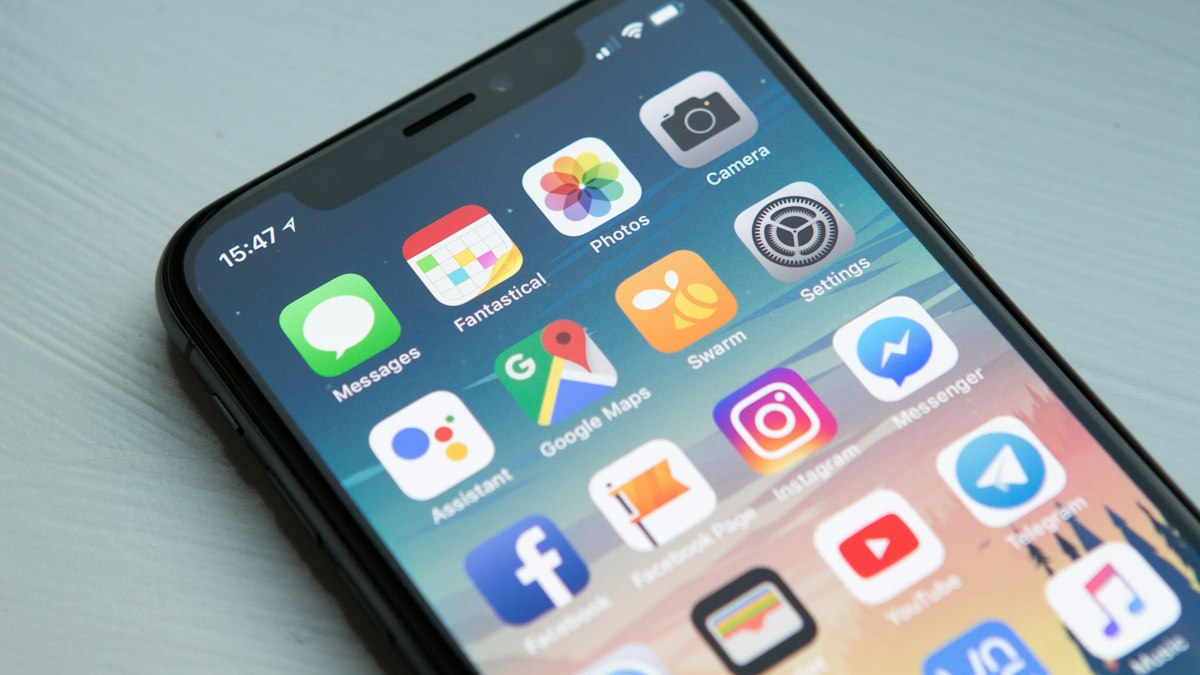
Artificial intelligence is no longer just for tech experts. The best AI apps in 2026 help regular people write emails, plan meals, edit photos, study smarter, and manage money in minutes instead of hours.
Here are the top 10 categories of AI apps worth installing this year, along with what they do best and how to get the most value out of them.
Quick List: Our Top 10 Picks
- AI Chat Assistants
- AI Writing Helpers
- AI Photo Editors
- AI Meal Planners
- AI Fitness Coaches
- AI Budgeting Apps
- AI Language Learning Apps
- AI Note-Takers
- AI Travel Planners
- AI Study Tools
How We Chose This List
To build this best AI apps list, we looked at what Americans are searching for right now, popularity, value for money, and real-world usefulness. Every pick below is something we’d confidently recommend to a friend or family member.
Why AI Apps Are Booming in 2026
AI has moved from a novelty to an everyday tool. Smartphones now ship with AI features built directly into keyboards, cameras, and assistants, and many popular apps have added AI to help users work faster. For most people, the real value isn’t in flashy demos; it’s in saving 10 minutes here and 20 minutes there on tasks like writing, planning, and organizing. The key is choosing a small set of tools you’ll actually use instead of downloading every new app that trends on social media. Free tiers are a great way to test which tools fit your life before paying for a subscription.
1. AI Chat Assistants
General AI assistants such as ChatGPT, Claude, and Gemini are the Swiss Army knives of AI. They can draft emails, explain confusing topics, brainstorm gift ideas, and summarize long documents. Most offer free tiers that are powerful enough for daily use.
2. AI Writing Helpers
Writing tools built into keyboards and email apps fix grammar, adjust tone, and shorten long messages. They’re ideal for professionals who write a lot and students polishing essays. Always review AI edits to make sure your voice still comes through.
3. AI Photo Editors
Modern phone galleries and photo apps can remove unwanted objects, fix lighting, and sharpen blurry shots with one tap. Holiday photos with photobombers or messy backgrounds can be rescued in seconds.
4. AI Meal Planners
AI meal-planning apps build weekly menus based on your diet, budget, and what’s already in your fridge. Many generate grocery lists automatically, which helps reduce food waste and impulse buys.
5. AI Fitness Coaches
Fitness apps now use AI to adjust workouts based on your progress, sleep, and recovery. Instead of a generic plan, you get a routine that adapts every week, a big help for New Year’s fitness goals.
6. AI Budgeting Apps
Budgeting apps use AI to categorize spending, spot subscriptions you forgot about, and forecast upcoming bills. They make it easier to see where your money goes without manually tracking every receipt.
7. AI Language Learning Apps
Language apps now let you hold realistic spoken conversations with an AI tutor. You can practice ordering food or asking directions before a trip abroad, and get instant pronunciation feedback.
8. AI Note-Takers
AI note-taking apps record meetings or lectures, transcribe them, and produce short summaries with action items. They’re a favorite among remote workers, students, and busy parents juggling school meetings.
9. AI Travel Planners
Tell an AI travel planner your dates, budget, and interests, and it can build a day-by-day itinerary. It’s a great starting point, but always double-check opening hours and prices on official websites.
10. AI Study Tools
AI study apps turn notes and textbooks into flashcards, quizzes, and simple explanations. Used responsibly, they help students understand material faster instead of just memorizing it.
Tips for Getting the Most From AI Apps
- Give clear, detailed instructions, including the tone, length, and format you want.
- Ask follow-up questions to refine answers instead of starting over.
- Verify important facts, numbers, and dates against trusted sources.
- Turn on privacy controls and review what data each app stores.
Common Mistakes to Avoid
- Pasting passwords, account numbers, or confidential work files into AI tools.
- Paying for several overlapping AI subscriptions you rarely use.
- Copying AI output word for word without editing or checking it.
Frequently Asked Questions
Are AI apps free to use?
Most popular AI apps offer a free version with limits. Paid plans usually unlock faster responses, more usage, and advanced features.
Is it safe to use AI apps?
Generally yes, but avoid sharing sensitive personal information like passwords or financial account numbers, and review each app’s privacy settings.
Which AI app is best for beginners?
A general AI chat assistant is the easiest place to start because you can simply type or speak questions in plain English.
Final Thoughts
The best AI apps don’t replace your judgment; they free up your time. Start with one or two tools that match your biggest daily headache, whether that’s email, meal planning, or budgeting, and build from there. In 2026, a few smart apps can easily save you several hours every week.
You May Also Like
- Top 10 Tech Gifts Under $100 for the 2026 Holidays
- Top 10 Smart Home Gadgets Worth Buying in 2026
- Top 10 Ways to Speed Up a Slow iPhone in Minutes
Featured image: Photo by William Hook on Unsplash